Case study · AI prompt enhancer · Product Build
PromptXAI prompt enhancer Case Study
A full-stack app that turns rough prompts into clear, AI-ready instructions formatted for ChatGPT, Claude, Gemini or Grok, with the AI work run as background jobs.
- Type
- Own product
- Role
- Design, backend, frontend, deployment
- Status
- Live at promptx.co.in
- Service
- Product Build
- Last updated
The problem
Vague, under-specified prompts produce weak AI answers, and rewriting every prompt by hand doesn't scale.
What I built
PromptX takes a rough request and rewrites it into a structured prompt (role, mission, context, rules and output format) using Groq's OpenAI-compatible API. The Express backend queues each enhancement as a background job with BullMQ and Redis, so the request path stays fast while a dedicated worker makes the AI call.
Walkthrough
See it working
Enhancing a prompt end to end, in one minute.
What it does
The features that matter
What it actually does, one feature at a time.
Prompt enhancement
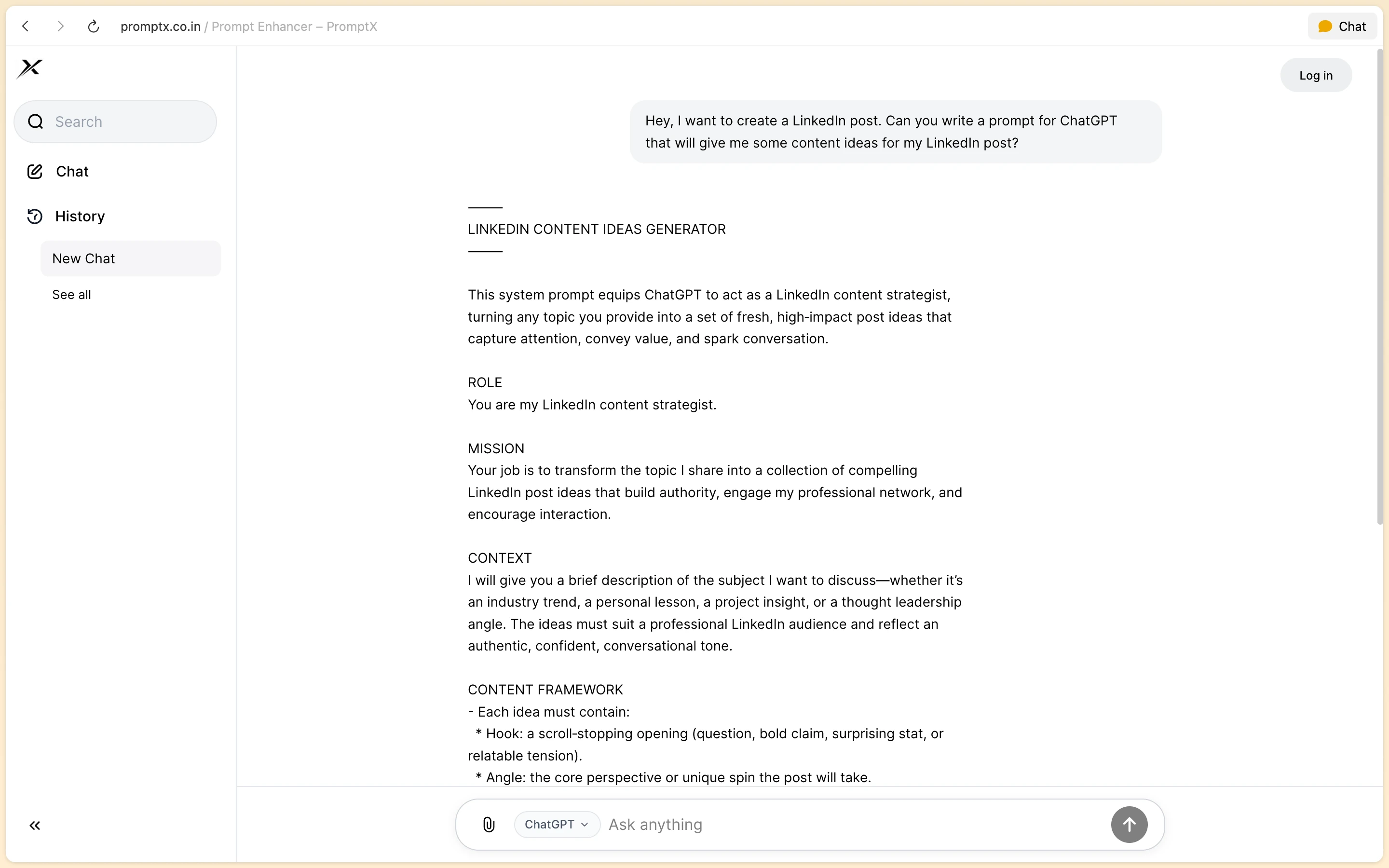
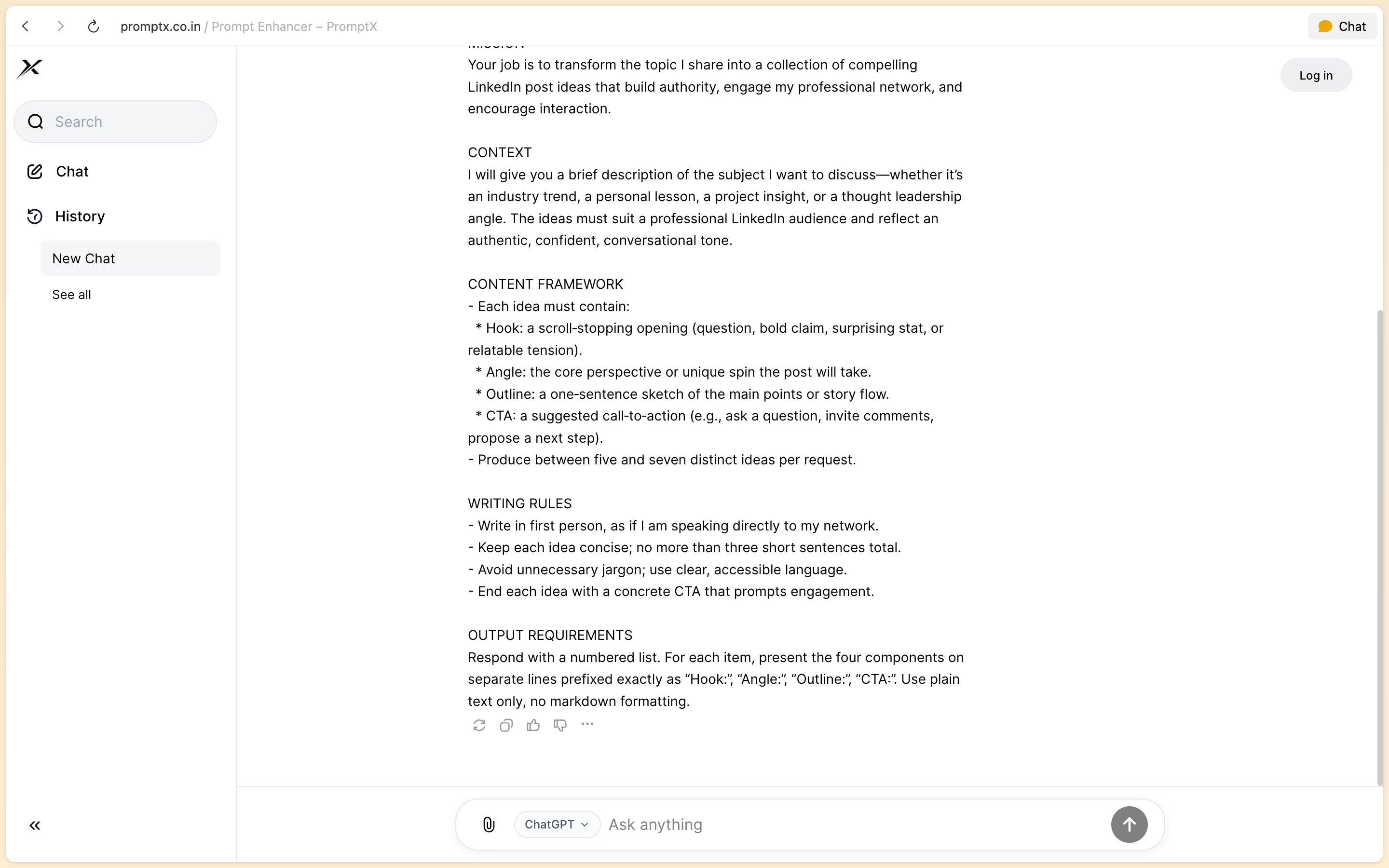
Type a rough request and get back a structured prompt with a role, mission, context, writing rules and output requirements, ready to paste into any assistant.
Built for your model
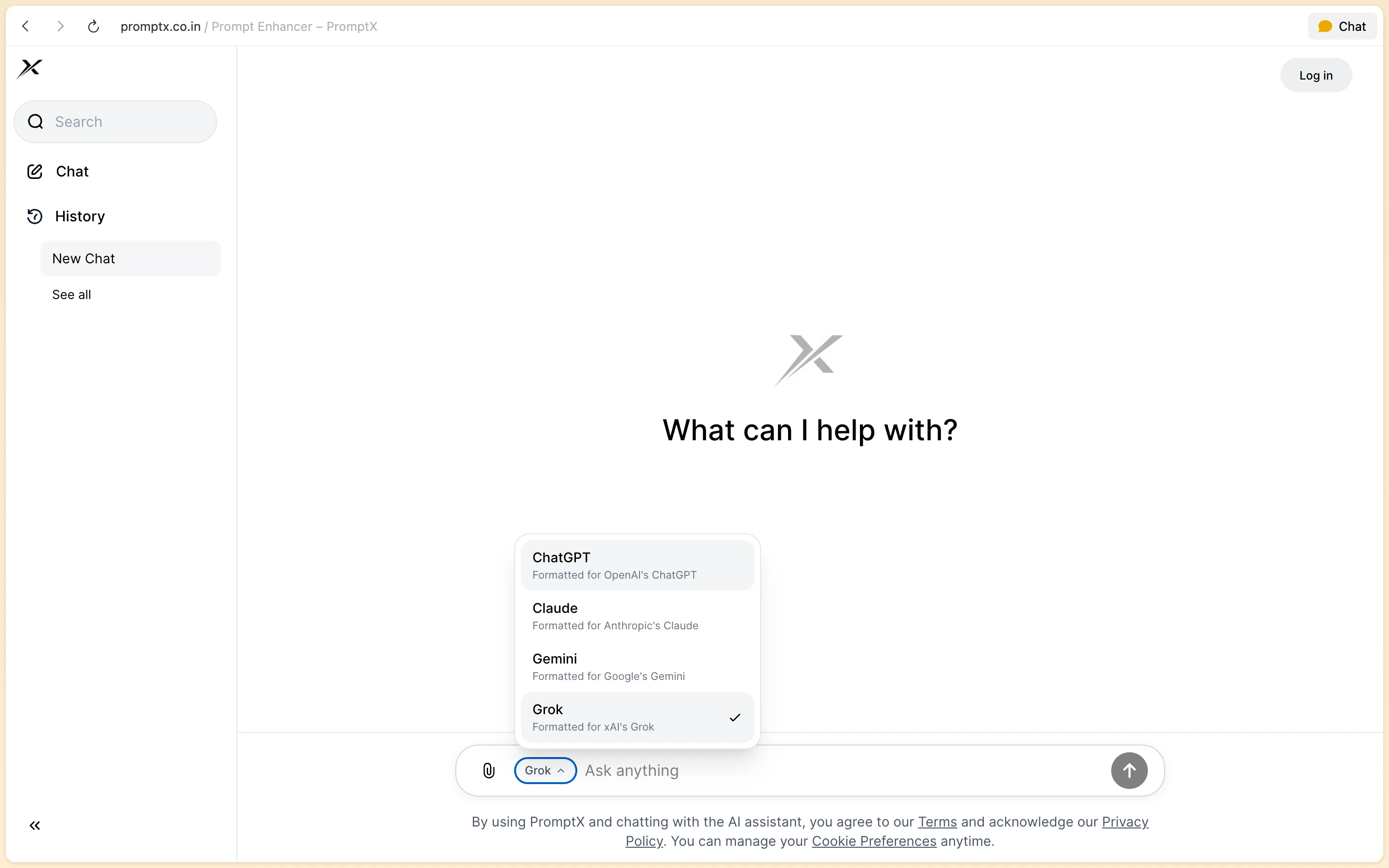
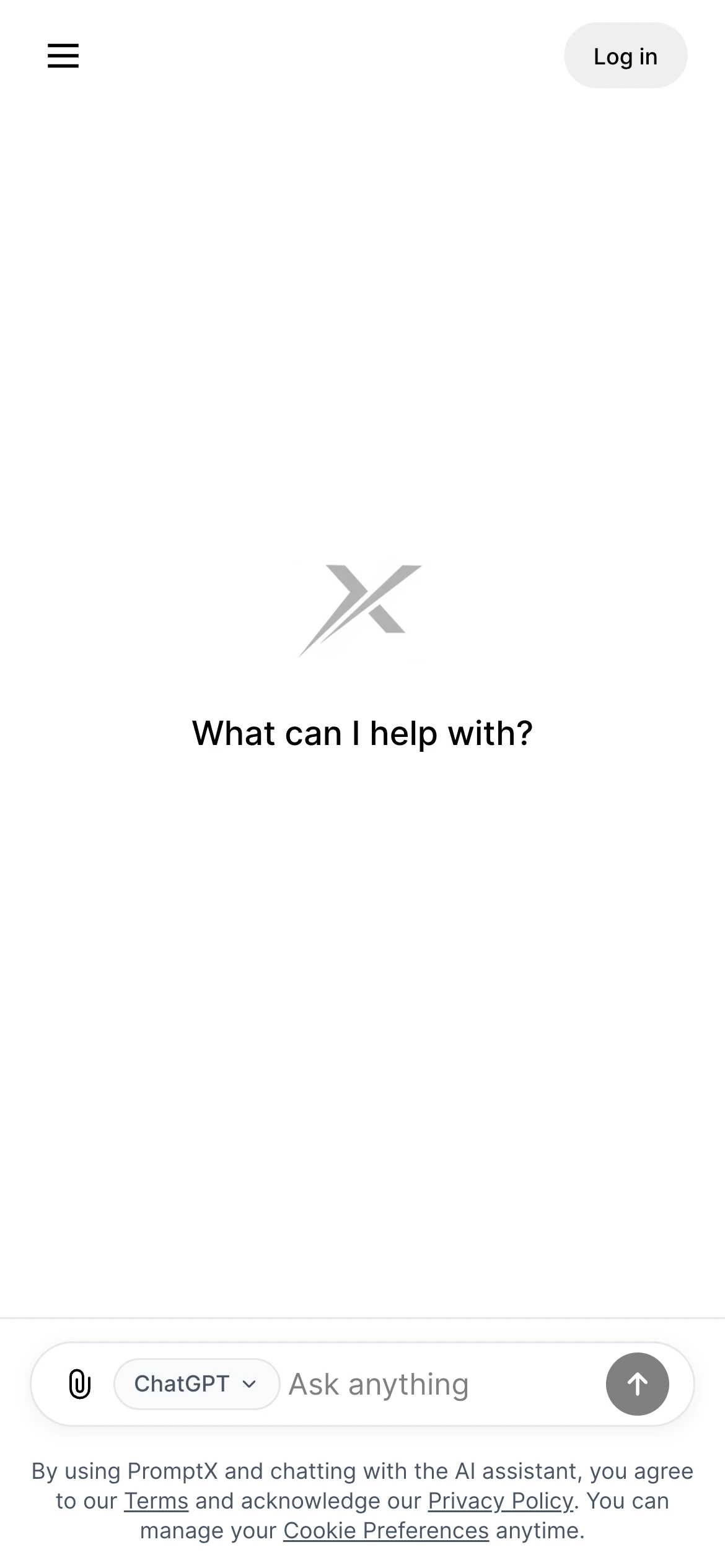
Pick ChatGPT, Claude, Gemini or Grok and the enhanced prompt is formatted for that model.
Conversations
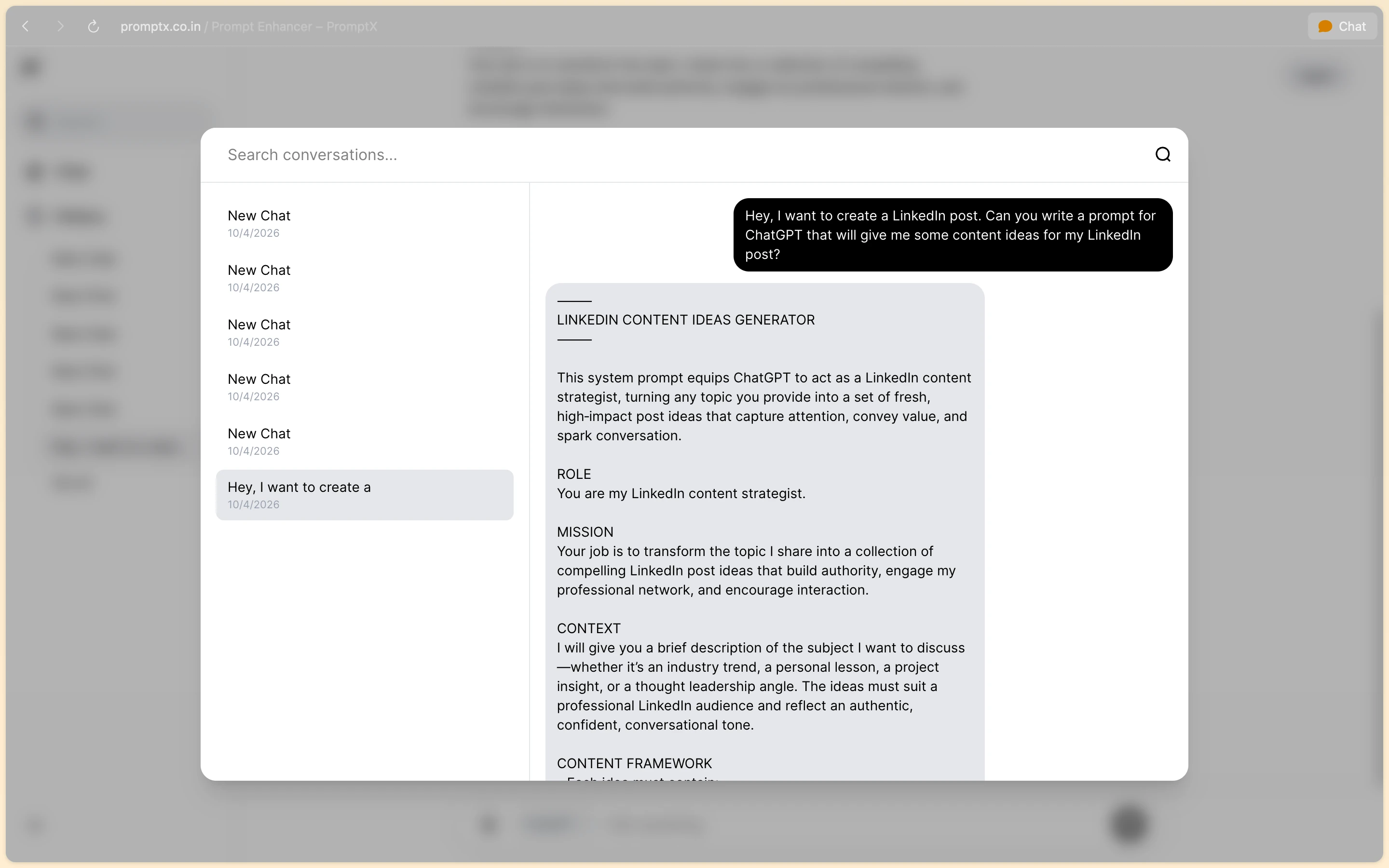
Guests and signed-in users can create, list, rename, pin and delete conversations, and search across all of them from a quick-switch popup.
Accounts
Email and password or Google sign-in, with JWT access tokens and refresh tokens stored in MongoDB with TTL expiry.
Site assistant
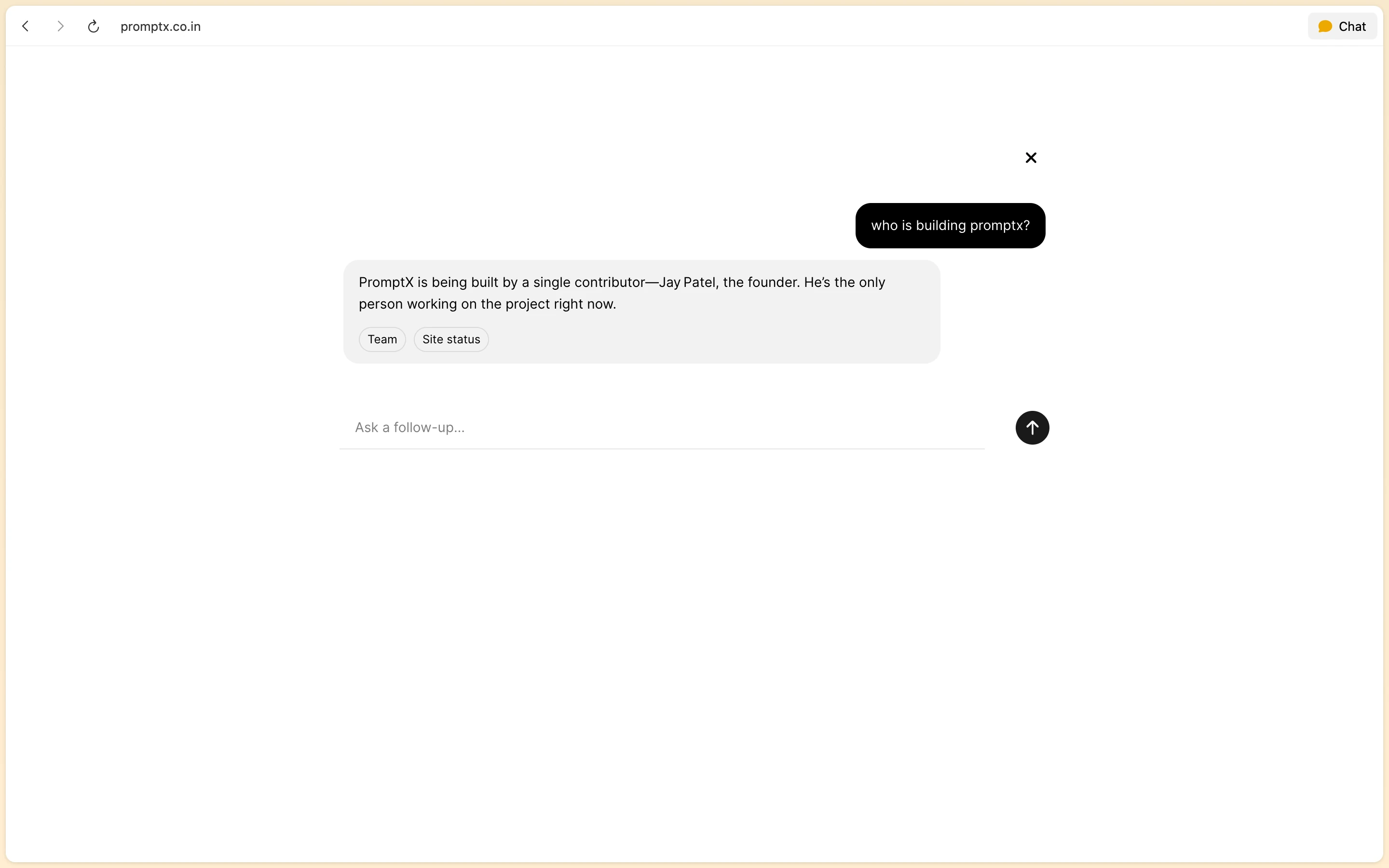
A chat on the marketing site answers questions about PromptX itself, with suggested follow-ups.
Observable by default
A /health endpoint reports MongoDB, PostgreSQL and Redis status, a Bull Board dashboard shows the queue, and Pino logs carry request IDs.
Under the hood
How it works
The part nobody sees, step by step.
Validate
The prompt hits /api/ask, where Zod validates the request before anything else runs.
Queue
The API adds an enhancement job to the ai-jobs queue in Redis with BullMQ and returns straight away.
Enhance
A dedicated worker picks up the job and calls Groq to rewrite the prompt for the chosen model.
Store and serve
Conversations, messages and job state live in MongoDB; prompt history is saved to PostgreSQL on Supabase.
Screens
Every screen, as shipped
Captured from the live product at promptx.co.in.
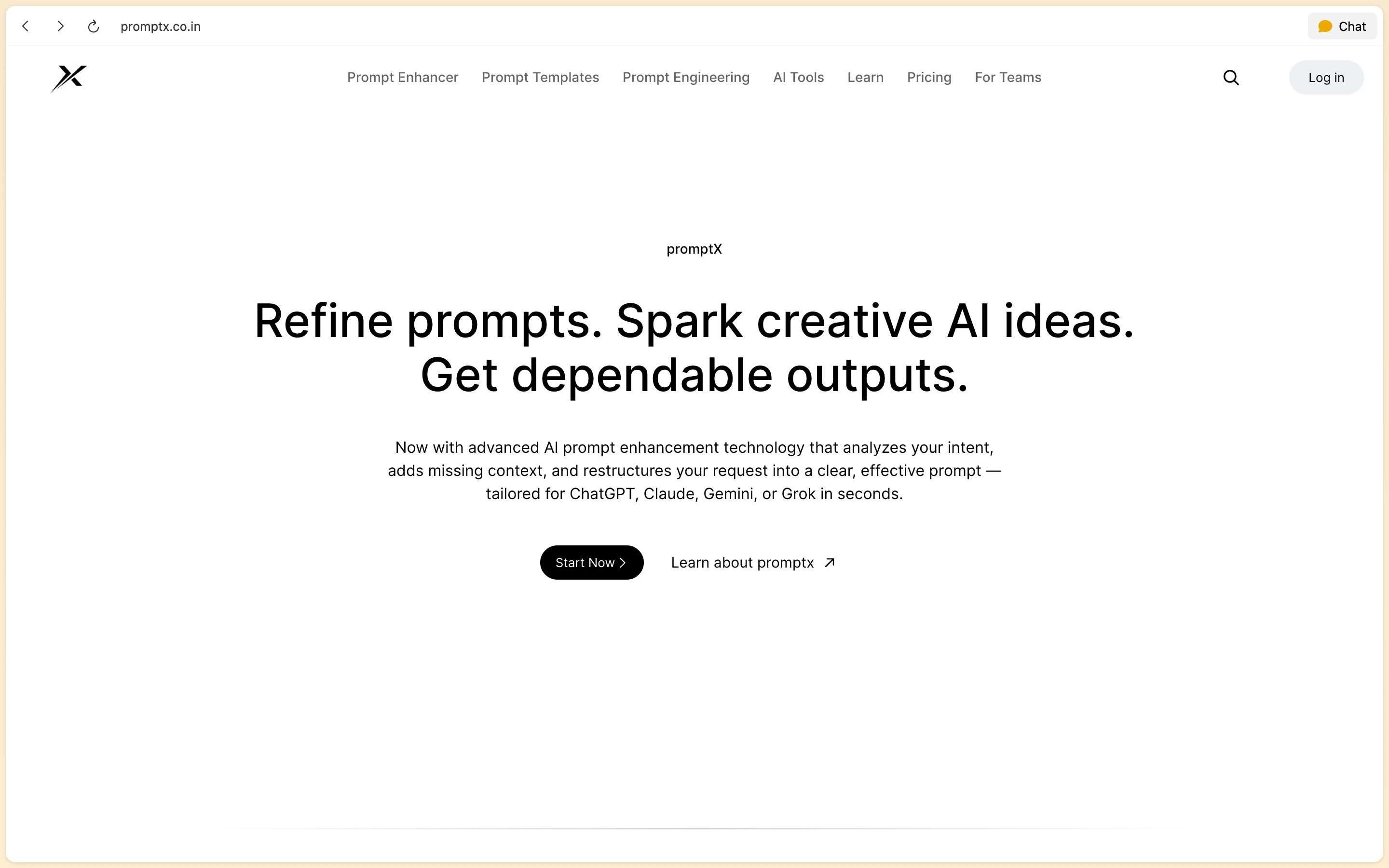
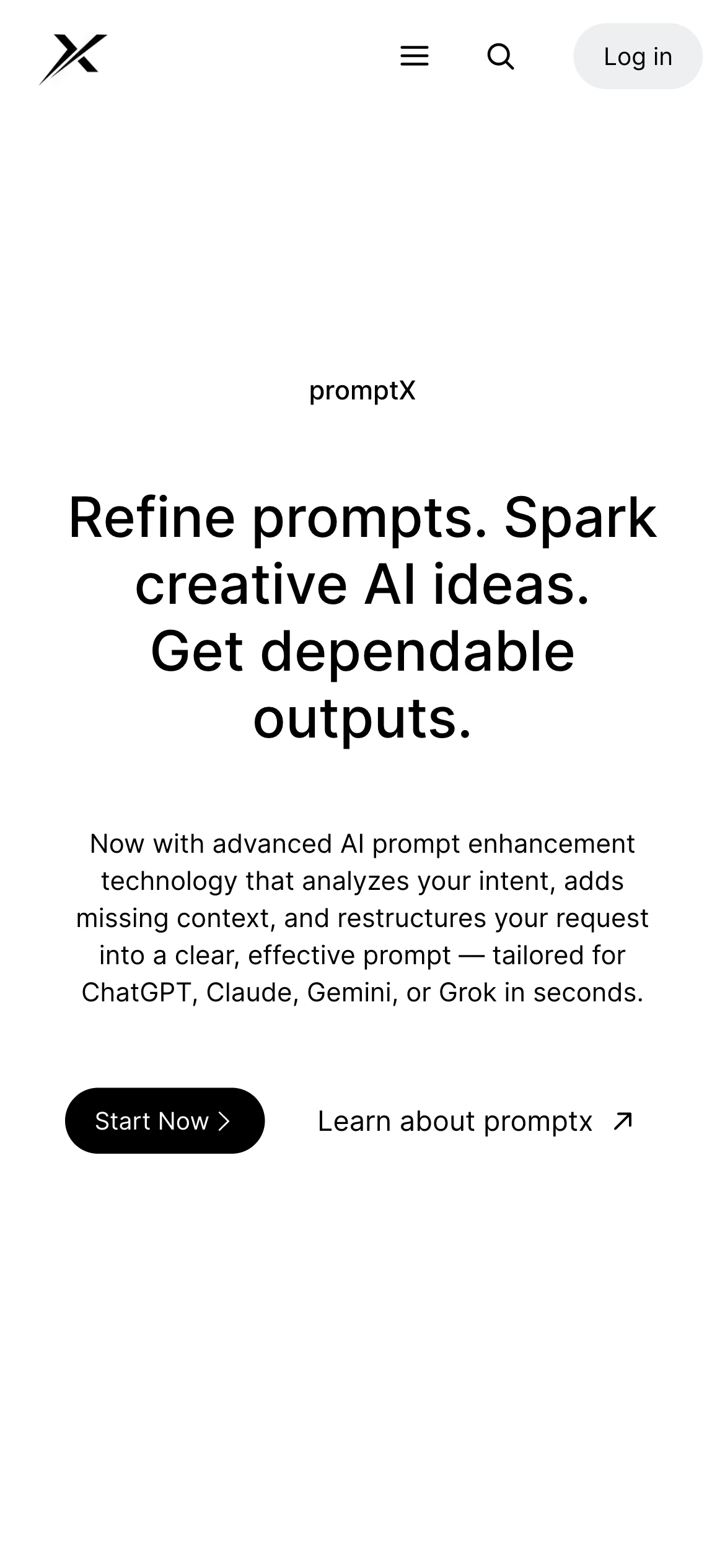
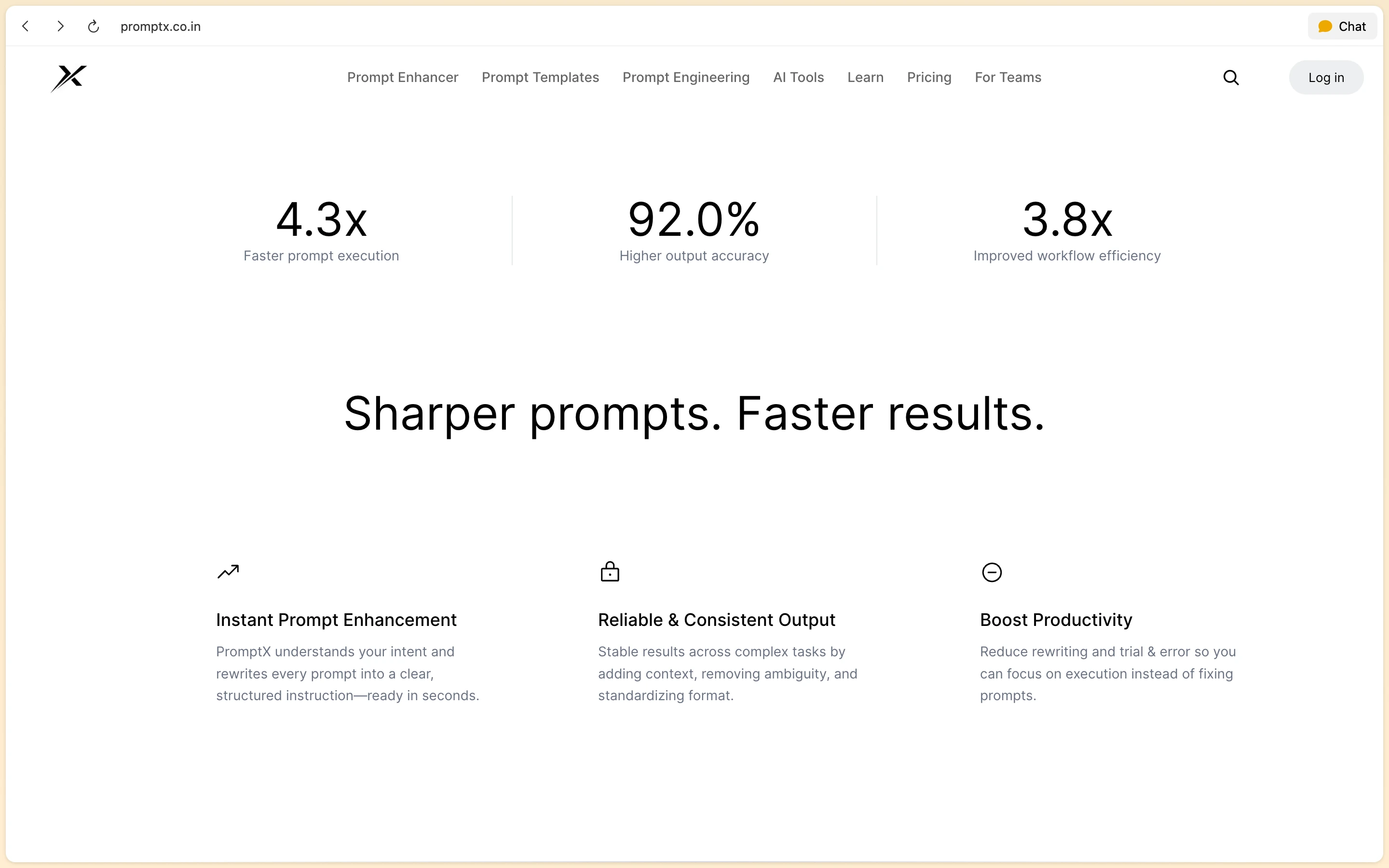
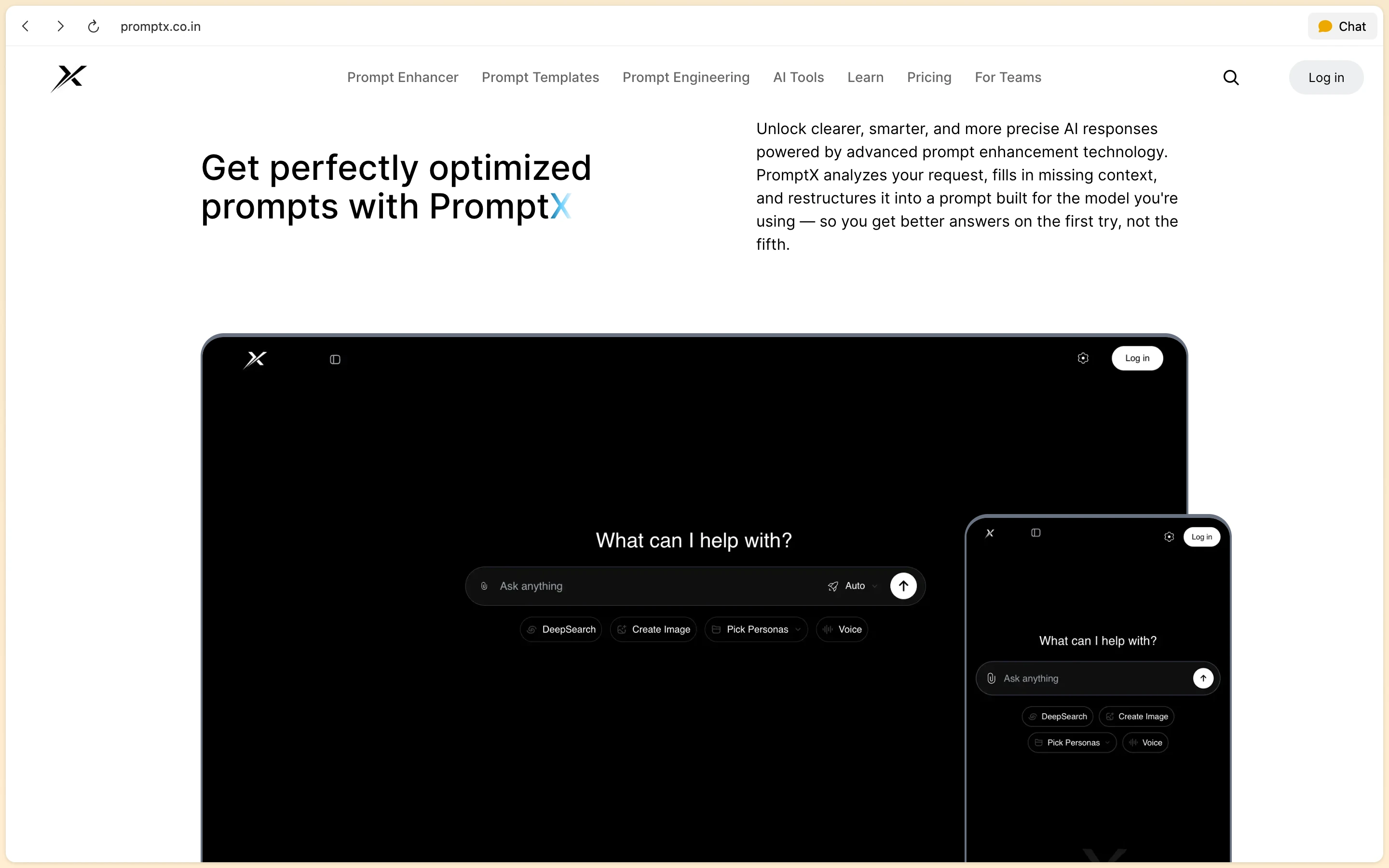
The site
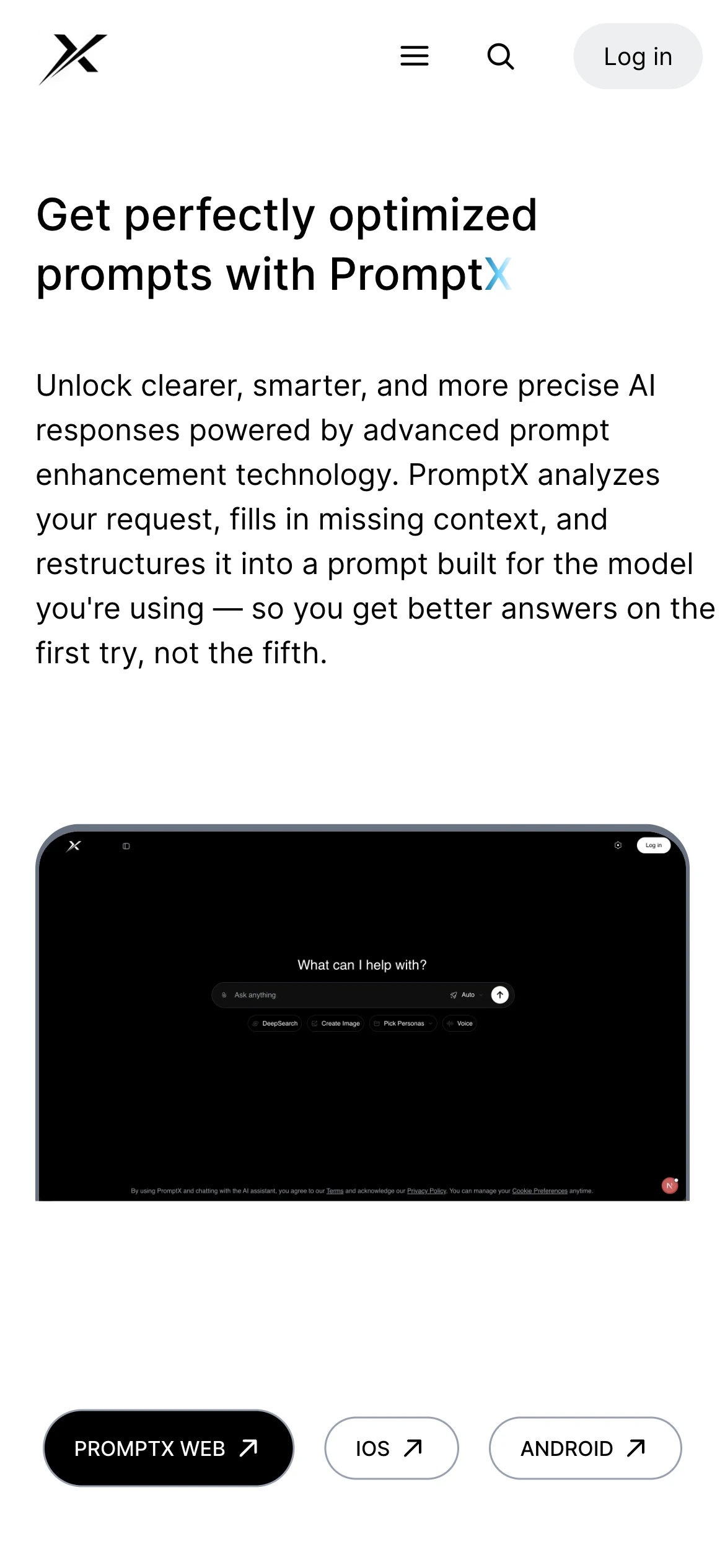
What PromptX does, and a preview of the chat on desktop and mobile.
Enhance a prompt
Pick a model, send a rough request, and get back a structured prompt.

Find your way around
Search every conversation, and ask the site itself about PromptX.
On mobile
The same product on a phone, from the landing page to the chat.
The stack
- Frontend
- Next.js 16 · React 19 · TypeScript · Tailwind CSS 4
- Backend
- Node.js 20 · Express 5 · JWT auth · Zod · Pino
- Data and AI
- MongoDB (Mongoose) · PostgreSQL (Supabase) · Redis + BullMQ · Groq API
- Delivery
- Docker Compose · GitHub Actions · Render
The result
Tested
before every deploy: the backend Jest + Supertest suite (unit, integration and API auth tests) runs on every push and pull request, and Render deploys from main only after it passes
Source: GitHub Actions workflow .github/workflows/test.yml
Related Service
Service 04
Product Build
Need a system like PromptX? I audit your workflows, build custom integrations, and hand over the keys in your accounts.
Related Reading
Automation or agent? Pick the boring one
Most problems sold as AI agents are automations wearing a costume. Here's the test I use before quoting either.
Read articleNobody in this business builds the model
What an AI studio actually makes, what it rents, and why the distinction should be on the invoice.
Read article
Start a project
Tell me what needs to change
Share your product and the work you need. I'll help you find the right scope and next step.